
Desk Job Back Pain: Causes, Fixes and When to Get Help

If your back aches by mid-afternoon at your desk, you are not imagining it, and you are not stuck with it. Research links long, static sitting with low back pain, and the most useful fixes are practical: a better chair and screen setup, regular movement breaks, and strengthening for the muscles that support your spine. When the ache lingers or keeps coming back, a physical therapist can find out why and treat it hands-on.
We are a boutique physical therapy clinic in Albertson, NY, serving Queens and Nassau County. Below, we walk through why desk work hurts, how to sit, how often to move, and what to do if the pain does not ease.
TL;DR
Long periods of sitting, poor posture and few breaks are all associated with low back pain in office workers.
Sit with your lower back supported, feet flat, knees at about 90 degrees and the screen at eye level.
Short breaks help: an hourly 5-minute break on top of regular rest breaks was linked to less musculoskeletal discomfort.
Stretching and strengthening matter as much as ergonomics for lasting relief.
Pain that does not improve, or comes with numbness, weakness, fever or bladder changes, needs medical care.
Table of Contents
Why a desk job makes your back hurt
Your spine is built to move. When you sit for hours, your lower back tends to flatten or round, your head drifts forward, and the muscles that hold you upright work at a low level without ever getting a rest. By late afternoon, those muscles are tired and stiff.
The National Institute of Arthritis and Musculoskeletal and Skin Diseases (NIAMS) says that a desk job may play a role in back pain, especially with poor posture or an uncomfortable chair. It also notes that back pain is more common in people who are not physically fit, because weak back and stomach muscles do not support the spine as well.
The numbers point the same way:
A 2021 meta-analysis found that prolonged sitting time was associated with low back pain in adults, and that sedentary behavior was associated with low back pain in office workers.
A 2025 scoping review of 22 studies and 7,814 participants found that office workers spend roughly two-thirds of their workday seated. Longer sitting time, poor posture, fewer breaks and more static sitting were all associated with low back pain, with the strongest evidence for sitting behavior.
The takeaway is encouraging. The things linked to pain, such as how long you stay still, how you sit and how strong you are, are things you can change.
Signs your desk habits are the culprit
Desk-related back pain has a recognizable pattern. You may notice:
A dull ache or stiffness in the lower back that builds through the workday and eases on weekends or vacations
Tightness when you stand up after a long meeting
Tension between the shoulder blades or at the base of the neck
Tight hips and a feeling that you cannot stand fully upright at first
Pain that is worse when you lean forward toward the screen
These patterns often travel together. A forward head, rounded shoulders and a flat low back put strain along the whole spine. If your neck and shoulders hurt too, our guide to how physical therapy helps desk workers with posture and alignment covers that side in more detail.
The best sitting posture at work
No single position is right for eight hours. The goal is a supported, neutral setup that you can change often. The American Academy of Orthopaedic Surgeons (AAOS) advises that, when sitting, you keep your back in a normal, slightly arched position with the chair supporting your lower back.
Use this checklist at your own desk:
Chair: Let the backrest support the natural curve of your lower back. If it does not, a small rolled towel or lumbar cushion can fill the gap.
Feet and knees: Rest both feet flat on the floor, with knees bent at about 90 degrees. NIOSH, the CDC’s workplace safety institute, suggests hips and knees at or slightly greater than a 90-degree angle.
Arms: Keep your elbows relaxed and close to your sides. A chair with armrests helps take weight off your shoulders.
Work surface: Set the keyboard and mouse at a height that lets your shoulders drop. AAOS recommends a working surface at the proper height for your arms.
Screen: Place the monitor at eye level so your head stays over your shoulders instead of creeping forward.
Distance: Sit close enough that you are not reaching or leaning toward your desk.
If you work on a laptop at the kitchen table, the same rules apply. A separate keyboard and a stack of books under the laptop get the screen to eye level.
A quick posture check you can repeat
Several times a day, ask yourself three questions. Are my feet flat? Is my lower back touching the chair? Is my head level instead of pushed forward? If the answer to any is no, adjust, then move.

Movement is the real fix
Even a perfect setup does not help if you never leave it. The CDC notes that sitting, though most people see it as relaxing, is hard on the back and can raise pressure on the discs between the vertebrae over long periods. That is why it recommends dynamic sitting and alternating between sitting and standing.
How often should you move? NIOSH research found that overall musculoskeletal discomfort and eyestrain dropped significantly when hourly 5-minute breaks were added to the usual twice-daily rest breaks. The same bulletin suggests varying your posture regularly and working standing up for a stretch as a break from sitting.
A simple rhythm to try:
Set a timer for every 45 to 60 minutes.
Stand, walk to refill water or take a call on your feet.
Do one or two of the stretches below.
Sit back down and reset your posture.
AAOS suggests a quick one: once an hour, stand and stretch by placing your hands on your lower back and gently arching backward. If you want a gentle, hourly routine built around standing and light stretching, this daily posture plan shows how short, regular movement sessions can fit into a day.
Desk-friendly stretches
Keep these gentle. You should feel a mild stretch, never sharp pain.
Standing back arch: Hands on your lower back, lean back slowly for a few breaths.
Seated spinal twist: Sit tall, turn your upper body to one side while holding the chair back, and switch sides.
Shoulder blade squeeze: Draw your shoulder blades together and down, hold briefly, release.
Hip flexor stretch: Step one foot back in a short lunge and tuck your pelvis slightly. Sitting shortens the muscles at the front of the hip, so they often need this.
Chin tuck: Glide your head straight back, as if making a double chin, to counter forward head posture.
Stretching is not just a nice extra. In a 2017 randomized controlled trial of 142 office workers with neck, shoulder and lower back pain, a stretching program produced significant reductions in lower back pain scores compared with a control group. The group that combined exercise with ergonomic changes also improved. The authors concluded that stretching should be part of treatment, rather than relying only on ergonomic changes for long-term benefit.
Build the strength that holds you up
A strong core and back make sitting easier. AAOS recommends combining exercise such as walking or swimming with specific exercises that keep the core muscles of the back and abdomen strong and flexible.
For general activity, the VA/DoD Clinical Practice Guideline for low back pain suggests building up to at least 30 minutes of continuous exercise at least three times a week. It suggests starting with 10 to 20 minutes every other day and adding 5 minutes if there is no increase in pain after a week. Walking, swimming and biking are listed as activities less likely to put your lower back at risk.

For core work, short sessions are easier to keep up than long ones. These 10-minute core workouts are one example of how a brief routine can strengthen the trunk muscles that support your spine. If your back already hurts, a physical therapist can pick exercises that fit your pain and your body. The same VA/DoD guideline recommends talking with your health care provider before starting a new exercise program, and notes they may suggest working with a physical therapist to learn the right exercises. We also explain how to do physical therapy exercises safely at home between visits.
A workday plan you can start tomorrow
Time | What to do |
Start of day | Adjust chair, screen and keyboard using the checklist above |
Every 45 to 60 minutes | Stand, walk for a few minutes, do a standing back arch |
Mid-morning and mid-afternoon | Take your regular rest breaks away from the screen |
Lunch | Walk outside if you can |
Late afternoon | Hip flexor stretch and shoulder blade squeezes |
After work | 10 to 30 minutes of walking, swimming or core work |
Start small. One change you keep beats five you drop after a week.
When desk back pain needs more than stretching
Most back pain settles. NIAMS says back pain usually goes away within a few weeks with home treatment and self-care. If yours does not, or keeps returning every few weeks, that is a sign that something in how you move, sit or load your spine needs a closer look.
Our physical therapists use hands-on manual therapy together with an individualized exercise program. Depending on what the evaluation finds, treatment may include:
Myofascial therapy for tight, restricted soft tissue along the back, hips and shoulders
Joint mobilization to help stiff spinal and hip joints move more freely
Neuromuscular re-education to retrain how your muscles fire and support your posture
Neural mobilization when nerve irritation adds to the pain
Visceral therapy, which can be relevant for some cases of low back pain, as we explain in our article on visceral manipulation for chronic low back pain
Craniosacral therapy, a gentle hands-on approach, for tension that travels between the neck, head and back
If your pain has lasted for months, our guide to physical therapy for chronic neck and back pain explains what a course of care looks like. For a look at how we address alignment, see physical therapy for posture correction.
Warning signs: get medical care promptly
Desk pain is usually muscular, but some symptoms point to something else. Please do not wait these out.
The VA/DoD guideline lists symptoms that need immediate attention:
Difficulty controlling your bladder or bowels
Loss of sensation in the groin or between the legs
Pain after a fall or an impact to the back
Severe pain down both legs with weakness, tingling, numbness or inability to move
Pain that steadily increases over several hours
Chills, fever or night sweats
Difficulty with balance or coordination
NIAMS also advises seeing a doctor if back pain comes with tingling or numbness, weakness, fever or unexplained weight loss, or if it does not improve. MedlinePlus says to call your health care provider if the pain is severe or does not improve after three days, and to get medical attention for back pain following an injury.
If you hurt your back at work, report it. OSHA encourages workers to report early signs of work-related injuries, including back pain, and states that early medical care can improve healing.
Our perspective on desk job back pain
We see desk-related back pain every week, and it rarely has a single cause. A stiff mid-back, tight hips, a weak core and a head that sits forward all add up, and a new chair alone will not untangle them. That is why we work one-on-one. As a mother-daughter team, we spend our sessions on your whole picture: how you sit, how you move, and where your body is compensating. We blend manual therapy, such as myofascial work and joint mobilization, with neuromuscular re-education and an individualized program, so the relief carries over into your workday. We built our ABC Approach to rehabilitation and our exercise guides around the idea that you should leave each visit knowing what to do next. Small, repeatable habits, guided by someone who has examined you, are what we believe make the difference. CRS Wellness
Get care close to home
If your back pain has outlasted your best ergonomic efforts, we can help. Contemporary Rehab Services offers in-person physical therapy in Albertson, NY, serving Queens and Nassau County, as well as telehealth PT sessions if commuting is the obstacle. We accept Medicare, Aetna, Cigna, Emblem and United Healthcare, as well as cash payments.
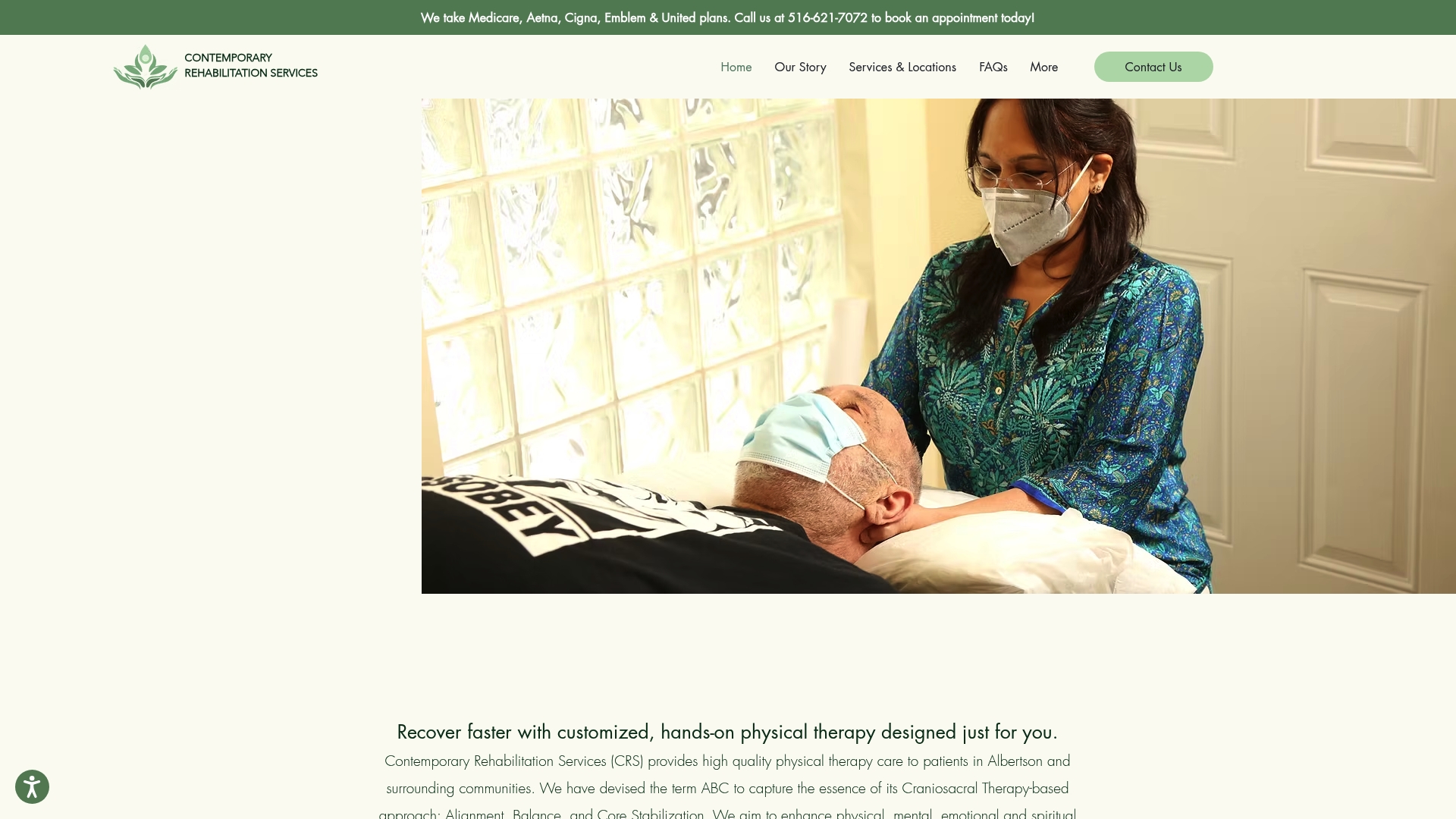
See our physical therapy and telehealth options or browse the full list of hands-on services to find the right fit. If you are closer to Herricks, our Herricks location may be more convenient.
FAQ
Does a desk job cause lower back pain?
It can contribute. NIAMS says a desk job may play a role in back pain, especially with poor posture or an uncomfortable chair. A 2025 review of office-worker studies linked longer sitting time, poor posture and fewer breaks with low back pain. Changing those habits is a good place to start.
How do I stop back pain when working at a desk?
Support your lower back, keep your feet flat and put your screen at eye level. Then break up sitting with a short stand-and-walk about once an hour. Add stretching and core strengthening to your week. If pain persists, a physical therapist can tailor a plan to you.
I hurt my back at work. What should I do?
Report it to your employer, since early reporting and care can support healing. See a health care provider if the pain is severe, does not improve after three days, or followed an injury. Seek urgent care for numbness, weakness, fever or bladder or bowel changes.
Can physical therapy help desk-related back pain?
Yes. Physical therapy combines hands-on techniques with exercises chosen for your body and your work habits. A therapist can also review your posture and workstation. Research on office workers supports including stretching exercises in treatment, not only ergonomic adjustments.
Sources
Association between sedentary behavior and low back pain, 2021 meta-analysis
Low back pain and sitting time, posture and behavior in office workers, 2025 scoping review
Working from Home: How to Optimize Your Work Environment, NIOSH
Effects of stretching exercise training and ergonomic modifications, 2017 trial
VA/DoD Clinical Practice Guideline for Managing Low Back Pain, 2022
Protect Your Health: Report Your Injuries and Illnesses, OSHA
Recommended
Comments